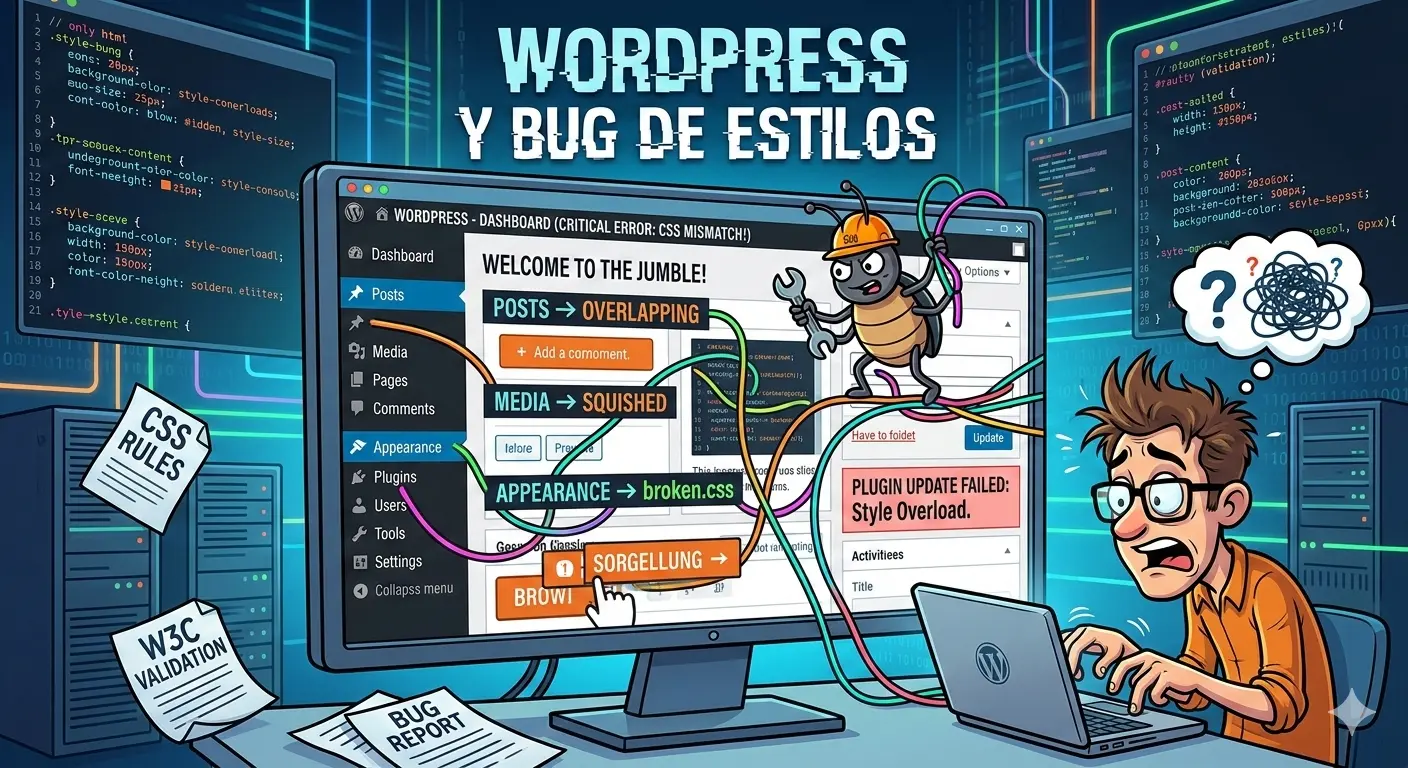
Debugging WordPress, Elementor, and a Safari Mobile bug that cost us over 10 hours
The problem
While working on the GUX website, we ran into a critical issue:
the homepage took over 40 seconds to load only on Safari Mobile.
- Android: worked perfectly
- Desktop browsers: no issues
- Safari iOS: almost unusable
No errors. Just a long white screen.
The stack and early assumptions
The site was built with:
- WordPress
- Elementor
- Performance plugins
- Modern visual effects (gradients, blur, animations)
We tried everything:
- Disabling plugins
- Running Lighthouse audits
- Clearing caches
- Switching hosting providers
Nothing explained why only Safari Mobile was failing.
Isolating the issue: clean WordPress on AWS
At that point, we made a key decision.
We deployed a clean WordPress instance on AWS and migrated the site step by step:
- Fresh WordPress install
- No plugins
- No Elementor
- Minimal theme
- Gradual content reintroduction
The goal was simple:
find the exact moment Safari Mobile broke.
The discovery
On a clean setup:
- Everything loaded instantly
- Safari Mobile behaved normally
But once we reintroduced the homepage design, the issue came back.
Even more interesting:
- Other sections using the same gradient also triggered the bug
At that point, plugins were no longer the suspect.
The real culprit: a CSS gradient with blur
This was the exact code causing the issue :
    .header-section-principal::before,
    .header-section-principal::after {
      content: '';
      position: absolute;
      border-radius: 9999px;
      background-color: #125c8c;
      z-index: 0;
    }

    .header-section-principal::before {
      width: 640px;
      height: 640px;
      bottom: 0;
      left: -400px;
      opacity: 0.5;
    }

    .header-section-principal::after {
      width: 720px;
      height: 720px;
      top: -200px;
      right: -200px;
      filter: blur(200px);
      opacity: 0.1;
    }

    .header-section-principal {
      background-color: rgba(2, 8, 23, 1);
    }
On Safari Mobile, this caused severe render blocking before first paint.
The outcome
- 40+ seconds load time
- Blank screen
- No clear console errors
Replacing the gradient with an optimized image reduced load time to under 2 seconds.
Lessons learned
- Safari Mobile is not Chrome
- CSS effects can be extremely expensive
- WordPress and Elementor amplify rendering issues
- Clean environments expose the real problem
- Tools help, but browser knowledge matters more
Conclusion
This bug wasn’t solved by better prompts.
It was solved by:
- isolating the environment
- migrating step by step
- understanding browser rendering behavior
Sometimes it’s not WordPress.
It’s not Elementor.
It’s not the server.
It’s a gradient.
With blur.
On Safari Mobile.
Performance debugging is about understanding how browsers think, not just running tools.